
See what bringsyou real enquiries,not just visits.
Intelligent Analytics is a service we run for you. We track where your real enquiries come from. Then we tell you, in simple words, one thing to do next.
- ConnectWe set it up for you in one day
- SeeEnquiries by source, in plain words
- ActOne thing worth doing, every Monday
Intelligent AnalyticsLast 14 days
Visits
1,592
Enquiries
23
Best channel
The problem
Lots of numbers. No real answers.
You want to know one thing: what brings in work? Most analytics set-ups make that hard to see. Do any of these sound like you?
Reports you can’t read.
Users, sessions, engagement time, events. Dozens of charts, and not one tells you who got in touch. So the reports go unread.
A cookie banner on every page.
Most analytics tools need one by law. It covers your page and annoys visitors. Many click “Reject all”, and then they never get counted.
Visits and enquiries never meet.
You can see visits in one place and enquiries in your inbox. Nothing tells you which visits turned into which enquiries.
Sound familiar? We’ll show you which pages and channels really bring you work.
The fix, proven
From a wall of numbers to the moments that matter.
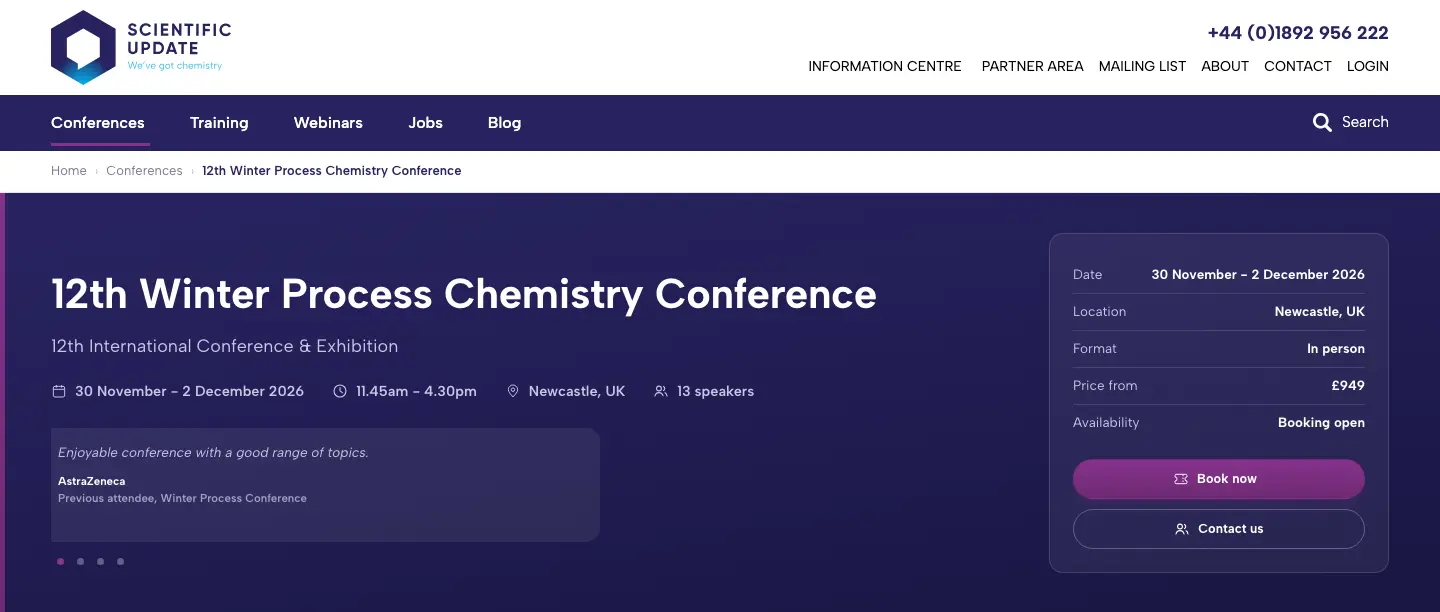
Scientific Update runs conferences and training for industrial chemists. We rebuilt their website. Every event page now has one clear “Book now” and one “Contact us”. Those are exactly the moments Intelligent Analytics is built to count.
- 01Connect. Mark the actions that mean business: “Book now”, “Contact us” and the phone number.
- 02See. Each booking and enquiry shows up with the page it came from and its source, like an email or a Google search.
- 03Act. The Monday summary says which event pages and channels are worth backing next.
01 · Before. A GA4 report with 24 event types and thousands of numbers. Which one is a booking?
An animated example in three scenes. First, a mocked-up Google Analytics 4 events report for Scientific Update, full of event names and numbers, with no clear booking count. Second, their real conference page today, where Intelligent Analytics marks the Book now button, the Contact us button and the phone number. Third, an illustrative Intelligent Analytics summary showing visits, bookings started, enquiries and the best source. The figures are made up to show how it works.
Alex has been easy to deal with throughout. He’s happy to answer questions, explains things clearly and has been really helpful whenever we’ve needed anything.
Want the same for your site? We’ll mark what counts as an enquiry for you, and have Intelligent Analytics running in a day.
The plan
Easy to start. Easy to read.
We set it all up for you. You just tell us what a good enquiry looks like. Then Intelligent Analytics keeps watch for you.
Connect
We add Intelligent Analytics to your site and mark what counts as an enquiry. You don’t need to do anything technical.
You get- Intelligent Analytics on your site: one small script that won’t slow your pages
- Your forms, phone number and email links marked as enquiries
- A short call to walk you through your first report
See
We send you clear reports. See where enquiries come from, which pages do the work and which leads are worth your time.
You get- Enquiries by source: Google, LinkedIn, email and AI tools
- A simple tag on each enquiry: good fit, maybe or not a fit
- Your best pages, ranked by the enquiries they lead to
Act
A short email lands every Monday. What happened, what changed and one thing worth doing next.
You get- A plain-English summary you can read in a minute
- Straight answers: just reply to the email to ask us
Want to know what’s working? We’ll show you on a call.
An example report · try it
Follow each visit to the enquiry it became.
Visits
3,976
+8% on the 30 days before
Enquiries
61
+9 on the 30 days before
Enquiry rate
1.5%
of visits became an enquiry
Best channel
1 in 9 visits became an enquiry
Channels · where visits come from
Pick a channel, or tap a band in the chart. Pick it again to see everything.
Intelligent Analytics says · All channels
In the last 30 days, 3,976 visits brought 61 enquiries. Google search brings the most visits. LinkedIn turns the most visits into enquiries.
Lead quality
Good fit 35Maybe 17Not a fit 9
Example data · Your reports show your own site
Pairs well with
Now you can see it. Let’s improve it.
Intelligent Analytics shows you what works. These services help you do more of it.
Website analytics
Rather we read the numbers for you?
We watch how people use your site, fix what gets in the way and show you what changed.
Conversion rate optimisation
Turn more visits into enquiries.
We fix the spots where visitors give up, then use Intelligent Analytics to prove it worked.
SEO
Get found by people ready to buy.
We help Google show your pages to the right people. Intelligent Analytics shows which searches bring work.
Not sure what you need? Tell us your goals. We’ll suggest the one thing worth doing first.
FAQ
Not sure yet? Fair enough.
These are the doubts we hear most, with straight answers. Can’t see yours? Ask us on a call.
You can keep Google Analytics if you like. Many clients run both for a while. Intelligent Analytics answers the everyday question, “where do my enquiries come from?”, without the jargon, the setup work or the cookie banner.
Think about what one extra good enquiry is worth to you. If Intelligent Analytics helps you back the right channel once, it has done its job. It’s one monthly fee on its own, or included in every growth plan: Care, Grow and Scale.
No. It’s rolling 30 days with no contract, and there’s a 30-day money-back guarantee. Your data is yours, and we’ll send you a full copy whenever you ask.
That’s common. Most reports go unread because they don’t answer anything. We send you a short email every Monday with what happened and one thing worth doing. There’s nothing to log in to.
You can try. But getting GA4 to show real enquiries by source takes tracking work, and the reports stay hard to read. With Intelligent Analytics, we do the setup in a day and you get the answer in plain English.
Intelligent Analytics doesn’t save cookies or store IP addresses, and it doesn’t follow people to other websites. So there’s nothing to ask permission for. Other tools on your site, like advert trackers, may still need a banner. We’ll check and tell you.
You tell us what a good lead looks like. Then we mark each enquiry as a good fit, maybe or not a fit, using your form answers, like budget or location. Over time, you see which channels bring the best leads.
No, and that’s on purpose. Intelligent Analytics sticks to visits, sources, pages and enquiries, so it stays simple to read. If you need help with a CRM, see our CRM and automation service.
Visits from tools like ChatGPT, Perplexity, Gemini and Copilot. This happens when they mention your site in an answer and someone clicks through. It’s small for most sites today, but it’s growing fast.
Yes. It works on most websites, including WordPress, Shopify and custom builds. We still set it up for you in one day.
Start here
Stop guessing.Start seeing.
Tell us about your site
A short form. It takes about two minutes.
We book a 30-minute call
We listen, look at your site together and answer your questions.
You get a plan and a price
A short written plan with a fixed price. No pressure to go ahead.